
Black Ops
Year unknown · Anino Mobile
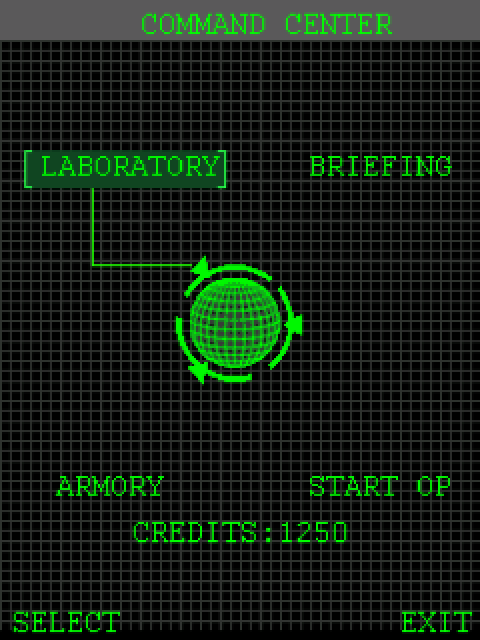
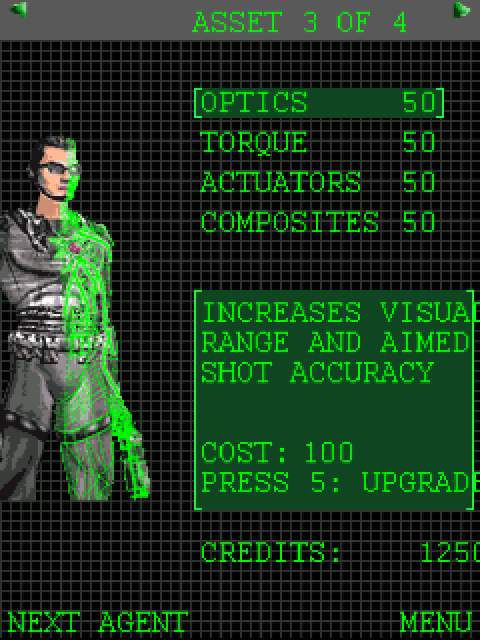
Black Ops is a strategy game set in a military command center where the player manages agents and upgrades their equipment. From the Command Center the player opens the Laboratory, Briefing, Armory and Start Op sections, and spends credits on upgrades such as optics, torque, actuators and composites that improve visual range, aimed-shot accuracy and grenade range.
Description based on the game's screenshots.

Controls
- Move
- ← ↑ → ↓ or W A S D
- OK / fire
- Enter or Space
- Left soft key
- F1 (or Q, Tab)
- Right soft key
- F2 (or E, Backspace)
- Digits 0–9
- the digit keys or the numeric keypad
- * and #
- Z and X
- Full screen
- F11
- On a phone
- the touch keys around the game
The keys can be changed: “Change PC keys…” on the keypad beside the game.