Simulation / Other
Appli Remote Control P
c. 2004 · Unknown developer
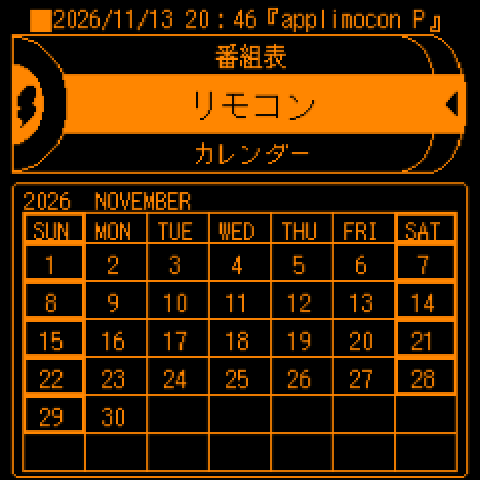
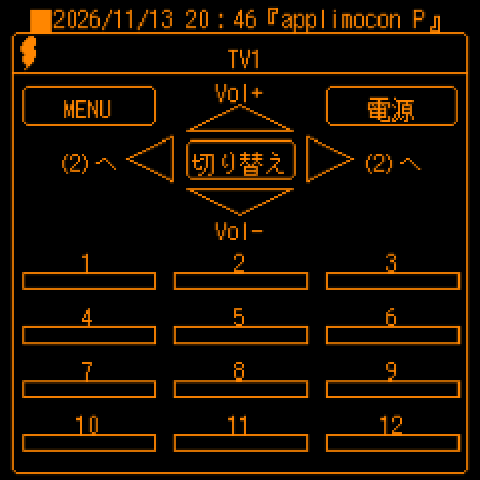
Appli Remote Control P turns the phone into a TV remote control, with on-screen buttons for power, volume, channel switching and number entry. It also includes a program guide (番組表) and a calendar, and the initial notice explains that the area is set to Tokyo and the remote to Matsushita by default.
Description based on the game's screenshots.
Controls
- Move
- ← ↑ → ↓ or W A S D
- OK / fire
- Enter or Space
- Soft 1
- F1 (or Q, Tab)
- Soft 2
- F2 (or E, Backspace)
- Digits 0–9
- the digit keys or the numeric keypad
- * and #
- Z and X
- Full screen
- F11
- On a phone
- the touch keys around the game
The keys can be changed: “Change PC keys…” on the keypad beside the game.